
Online Archival: Document archival software
Preserve the record with the information that explains it.
FineDocs document archival software extends repository operations through the Online Archival add-in. Prepare selected document collections with their folder structure and index information, using the archive destination and processing options agreed for your environment.

An archive should preserve context as well as files.
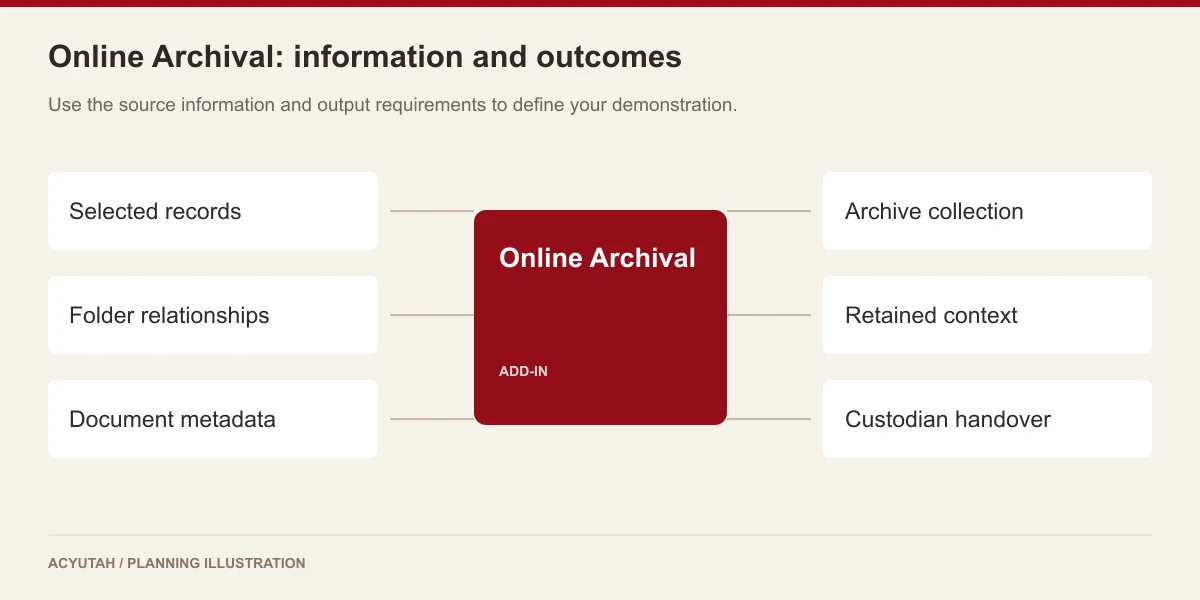
A collection of exported files can be difficult to use if its document categories, references and relationships are lost. Online Archival addresses the preparation of document collections from the FineDocs environment. The service handles archive folders, document indexes, keywords, descriptor values and comments alongside the selected content, supporting an organized archive package rather than an unexplained file dump.
Document archival software: 6 practical benefits
Structured archive preparation
Process the selected repository hierarchy and create the corresponding archive folders. Cabinet and folder context helps maintain the structure of the collection.
Document and page information
Preserve document-index and page-file information as part of the archive preparation process. The selected output options determine the resulting package.
Metadata with the archive
Include relevant data-class, descriptor, keyword and comment information. These details help retain the business context of the archived records.
Full and incremental modes
The archival configuration exposes full and incremental processing modes. Agree the archive baseline, subsequent additions and operating procedure for the chosen mode.
Output configuration
Select the archive destination and applicable format options, including the available PDF-related processing. Validate the result against the original documents and metadata.
Archive status coordination
Coordinate archive preparation with FineDocs archive lists and status functions where required. Define the access and retrieval process for the completed collection.
Online Archival in four steps
Select
Identify the required repository collection.
Prepare
Choose the destination and archive mode.
Package
Carry documents and index context together.
Validate
Check completeness and intended retrieval.
Example: preparing a project-document archive
At the end of a project, the responsible team can identify the relevant document collection and the metadata needed to interpret it later. Archive preparation preserves the folder and indexing context for that collection. Before handover, the team checks document counts, sample files and the agreed retrieval method. Subsequent additions can be considered through an explicitly configured incremental process.
How Online Archival fits your Acyutah solution
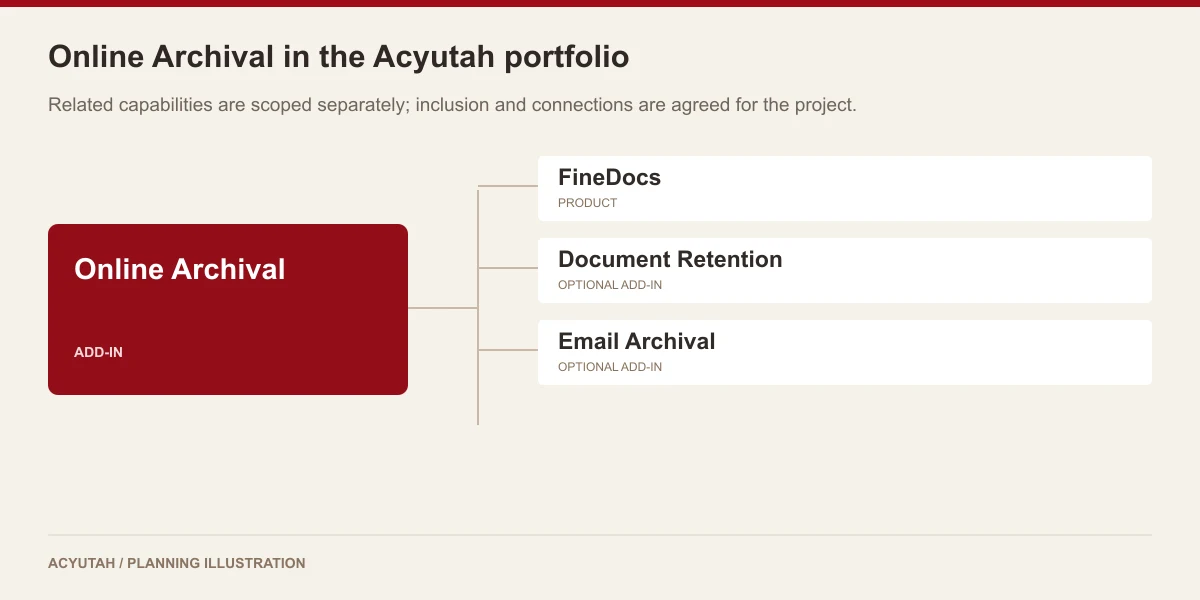
Online Archival is an add-in for preparing an archive collection. Document Retention Policy defines lifecycle rules, while Email Archival captures mailbox content. Agree the archive destination, access arrangements and storage responsibilities as part of the deployment.
Evaluating document archival software with your team
Evaluate document archival software by following a small collection into its archive output. Select records with different formats, folder relationships and descriptive fields. Compare the exported content and indexes with the selected repository records, then ask a colleague to identify a document using the retained reference information. Record the archive destination, access method and responsibility for checking the output. This makes document archival software part of a defined preservation process, with a clear understanding of what has been archived and how the collection will be used later.
For background on keeping records understandable over time, read Digital Preservation Coalition: metadata and documentation.
Plan your implementation
Agree the collection, output format, archive destination, full or incremental mode and intended reader environment. Specify who validates completeness and who owns long-term storage, backup and access. Preservation, immutable storage and disaster-recovery requirements need explicit design rather than assumptions based on the module name.
Discuss the release, enabled modules and support responsibilities with our implementation team. The product demonstration should reflect the records, users and exceptions that matter to your organization.
Who uses document archival software?
Collection owners
Document archival software helps collection owners prepare records for an agreed archive purpose. They define which content belongs in the collection and what information is needed to understand it later. Start with the expected user of the archive: what reference will that person know, and which context must accompany the file? This question helps establish the metadata and folder relationships required in the output.
Repository administrators
Repository administrators use document archival software with a defined source collection and output requirement. They review folders, document indexes, descriptor values, keywords and comments that need to accompany the selected content. The acceptance exercise should compare those elements with the source repository. Agree how incomplete metadata or an unexpected file format is handled before preparing a large collection.
Archive custodians
Archive custodians receive and maintain the output from document archival software. Their responsibilities include the destination, access arrangements and checks needed to keep the collection usable. An archive package is not automatically a hosted service or a replacement for operational backup. Define who owns its storage, who may retrieve it and how users obtain help when a record or its context is unclear.
Document archival software in a working scenario
Consider a project team preparing a selected collection of completed records from FineDocs. Identify the folder scope and the descriptive information needed by the archive’s future users. Document archival software should be tested with records containing meaningful indexes, keywords and comments, not only a set of files with similar names. Include different document formats and a record with incomplete context so the team can define the acceptance and exception process.
Prepare the sample archive using the agreed options and inspect the resulting content and associated information. Review the relevant full or incremental preparation behavior and any PDF-output requirement included in the configuration. Document archival software should preserve the relationships the team has agreed to retain. Compare the archive with the selected repository records and record any format or metadata issue that needs to be addressed before a larger collection is prepared.
Ask an authorized colleague who did not prepare the collection to locate a sample record using its retained business reference. This tests whether the output is understandable beyond the administrator who created it. Document archival software supports preparation of the archive; long-term use also depends on the destination, access method and operating ownership. If retention policy determines when records become eligible, define the relationship with the separate retention add-in as part of the project.
6 acceptance checks for document archival software
1. Collection scope
Compare the selected folders and documents with the agreed archive list. Include a record outside the intended scope so the team can verify that the preparation process follows the collection boundary.
2. Metadata context
Review indexes, descriptors, keywords and comments required for later use. Compare representative values with the repository source and identify any information that needs cleanup before archival preparation.
3. File usability
Open representative output files in the intended environment. Review format handling and any configured PDF output, including whether the recipient can read the information needed for the archive’s purpose.
4. Preparation mode
Where the project uses full or incremental preparation, demonstrate the agreed behavior with a small collection and a subsequent change. Confirm how the team understands the resulting archive output.
5. Independent retrieval
Ask an authorized colleague to identify a record using its retained reference and context. Record any ambiguity that prevents the collection from being used without help from its original preparer.
6. Custody and access
Confirm the destination, storage owner and retrieval arrangements. Document how access requests, missing items and archive-output issues are handled after the preparation activity has finished.
Prepare your document archival software rollout
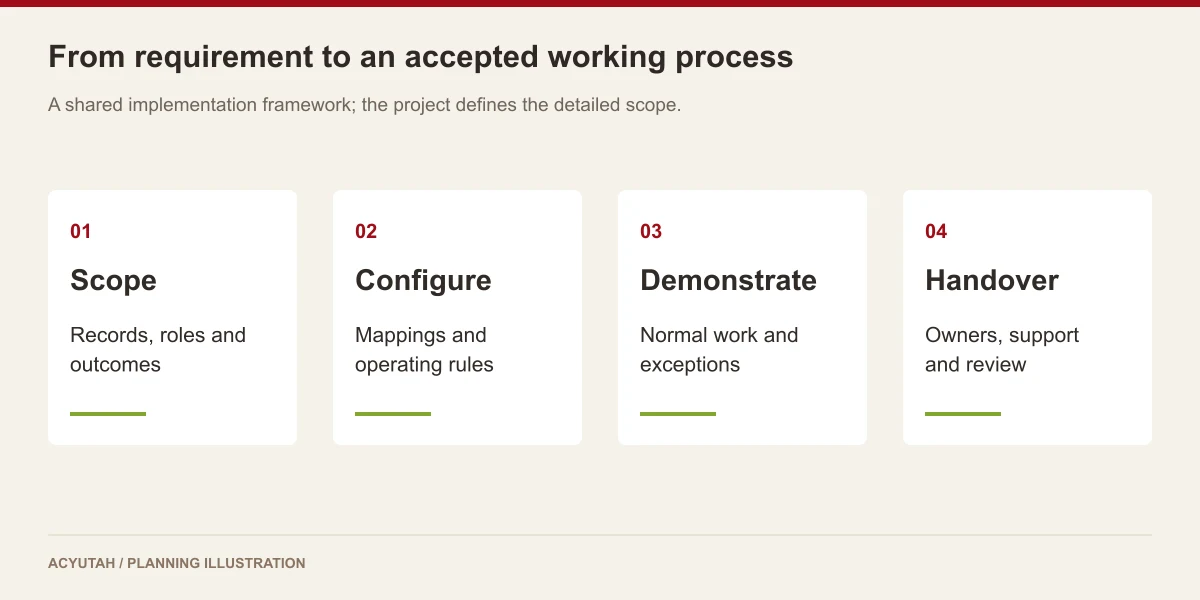
Start a document archival software project with a bounded collection and a clear description of its intended future use. Agree the metadata, file formats and destination before preparing a larger archive. Involve the archive custodian in acceptance, because that person will maintain the output after the repository administrator’s preparation work is complete. Keep a record of the chosen scope and checks.
After delivery, document archival software remains one part of the wider information lifecycle. Review the usability and ownership of retained collections as storage arrangements and business needs change. Keep archival preparation, retention decisions and operational recovery responsibilities distinct. Any hosted-access service, additional archive interface or restoration requirement should be discussed explicitly rather than inferred from the name Online Archival.
Online Archival: frequently asked questions
Where will our archive be stored?
The archive destination and access arrangements are agreed for your project. Discuss your infrastructure, storage requirements and the way authorized users will locate archived records.
Can the archive retain metadata?
Archive preparation retains document indexes, descriptors, keywords and comments alongside folder and page information. Validate the required fields in your output.
How is it different from retention?
Retention concerns policy and lifecycle decisions. Online Archival prepares an archive collection and its context.
Does an archive automatically replace backup?
No. Operational backup, recovery and archival have different purposes. Your deployment needs an explicit plan for each.
How should we compare document archival software with backup?
Compare the intended outcomes. Archival preparation creates a selected collection with context for an agreed future use; backup and recovery address restoration of operational information and systems. Define both requirements with their owners and check the relevant output or recovery procedure separately.
What makes a document archival software output usable?
The recipient should be able to identify the records, understand their references and open the required content using the agreed access method. Test folder relationships and descriptive information as well as file availability. Include someone who did not prepare the archive in the acceptance review.
See how Online Archival fits your work.
Share your process, document types and user needs with Acyutah.